KiwiSDR Info Panels
The KiwiSDR interface includes several "Info Panels" that provide deeper control over the radio's performance. You can toggle these using the buttons on the main screen to customize your experience.
RF & Antenna
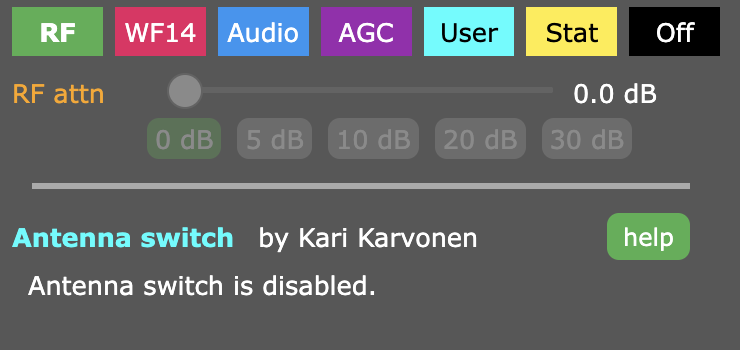
Manage antenna switching (if multiple antennas are installed) and adjust RF attenuation to prevent signal overload.
- RF Attenuation control
- Antenna switch selection
WFO (Waterfall Only)
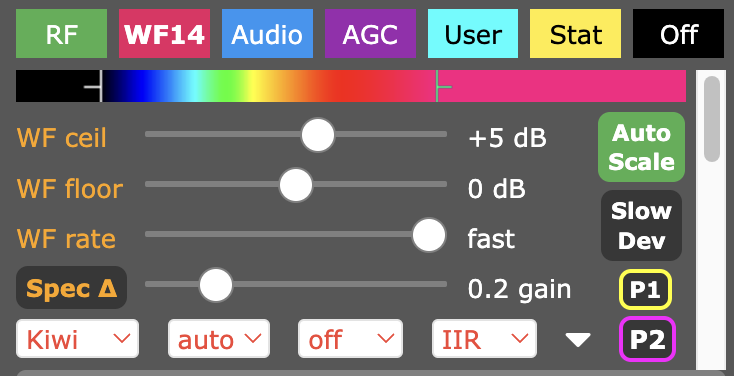
Configures the visual waterfall parameters. Essential for fine-tuning how you visualize the RF spectrum.
- Waterfall Ceiling/Floor & Autoscale
- Rate, Aperture, & FFT Type
- Timestamps & Spectrum Markers
Audio Processing
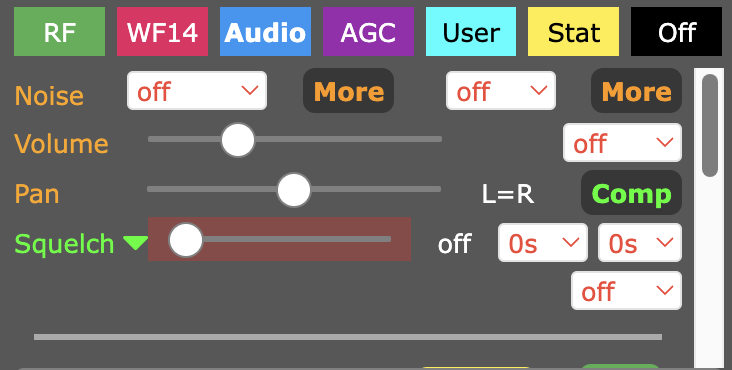
Comprehensive audio controls to ensure signal clarity, including noise reduction and squelch management.
- Volume, Pan, & De-Emphasis
- Noise Blanker & Noise Filter (with defaults)
- Compression & Squelch settings
AGC (Automatic Gain Control)
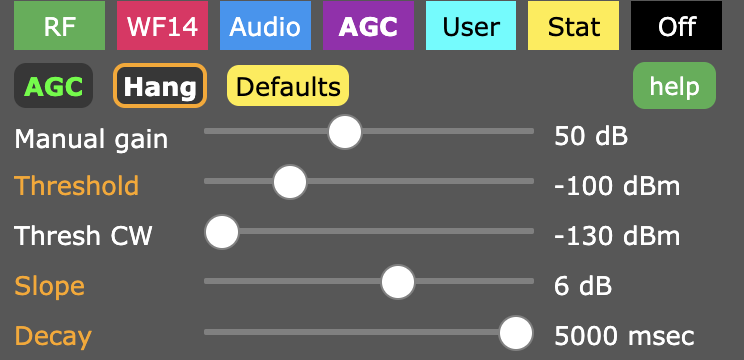
Maintain consistent audio levels across varying signal strengths.
- Manual Gain & Threshold
- Slope & Decay settings
- CW-specific thresholding
User Information
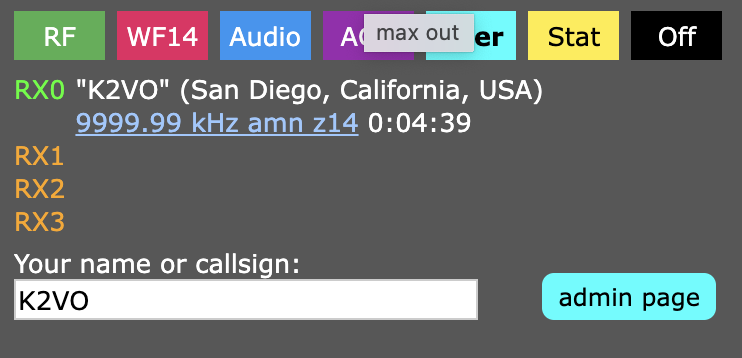
Displays status of connected clients (RX0 through RX4), including their callsigns or names.
Statistics
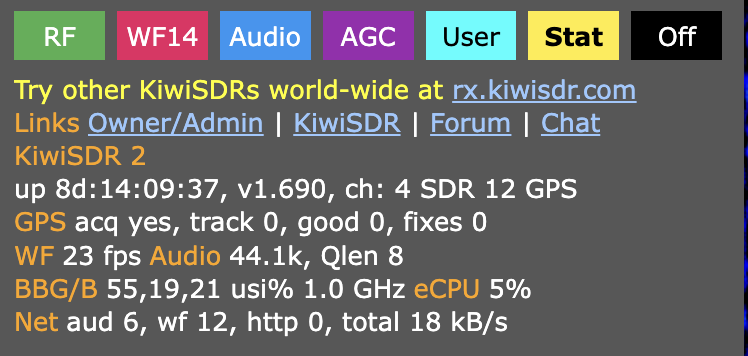
Advanced diagnostic data for monitoring system health and network performance.
- GPS Tracking & Acquisition
- CPU Load & Utilization
- Network Bandwidth (Audio & Waterfall)