PARC STEMLab Operating Etiquette
Please be mindful that the STEMLab's resources are meant to be shared by as many as possible. There are inherent limitations to the capabilities of these devices that need to be kept in mind as you use them. This will ensure everyone can have a good experience.
OpenWebRX+ Operating Etiquette
All SDRs have a limited bandwidth. The AirSpyHF+ Discovery's bandwidth is particularly narrow. But is wide enough to cover individual HF Amateur bands, but only one band at a time. So if you select a different band then the SDR's band will also be changed for all of the other connected clients with no notice, which can be frustrating for them.
When first connecting check how many clients are currently connected. "Clients" is displayed at the bottom right of the Status Panel (see the red arrow below). If there is only one client then you are the only user connected so you can change profiles and tune at will.
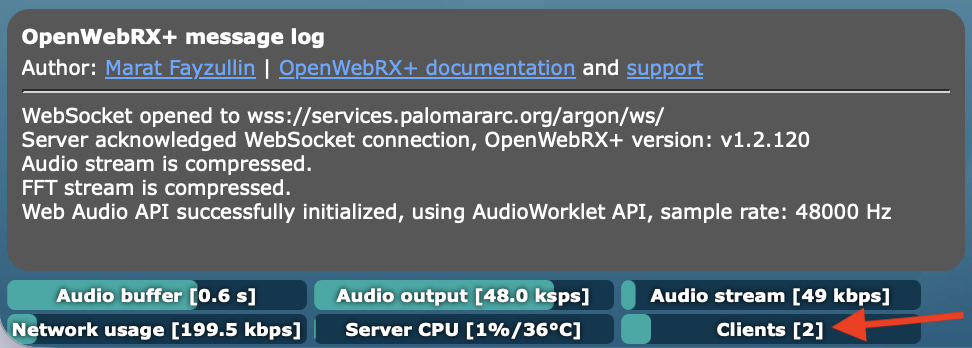
However, if it says that there are 2 or more clients, like it shows above, then the SDR is being shared with others already connected. Tune freely within the currently selected band, changing analog modes or loading extensions is fine but the profile (selected band) should not be changed without coordinating with those other users.
KiwiSDR Operating Etiquette
The KiwiSDR is capable of serving up to four independent clients simultaneously.
You can see how many of the 4 slots are being used on the User pane of the Control Panel.
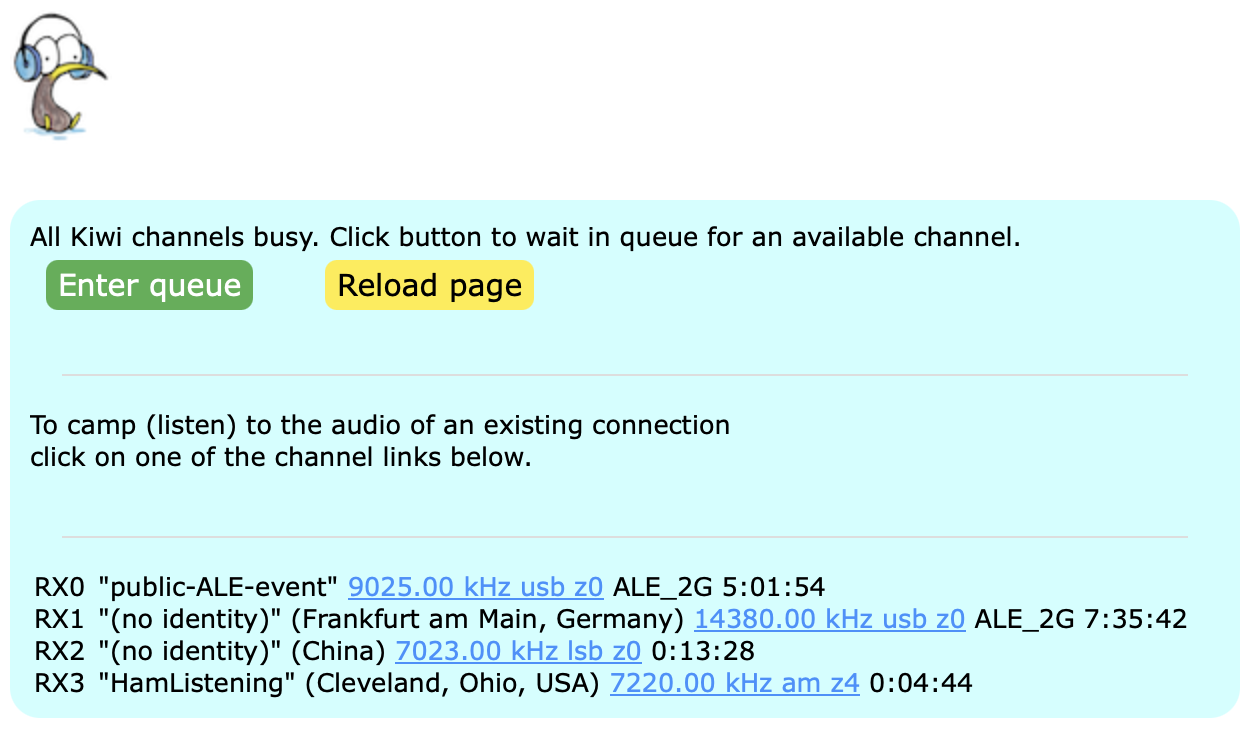
The KiwiSDR manages its users by itself so there is little danger of interfering with other users. If all of the slots are currently in use you won't be able to stream data to your client. You will instead get a "busy" page letting you know.